


Blog
Common Battery Mistakes That Are Secretly Damaging Your Phone

If you feel that your phone battery is draining faster than usual, or that charging no longer lasts as long as it used to, the problem is often not the phone itself. In many cases, small daily habits are the real reason behind battery damage without you even noticing. Simple mistakes such as using a non-original charger, allowing your phone to overheat while charging, or relying on a low-quality cable can slowly reduce battery performance over time.
The worst part is that you may only notice the problem when it is already too late, and battery replacement becomes the only solution. In this article, you will discover the most common mistakes that damage phone batteries and how to avoid them in practical ways that help extend battery life for as long as possible.
The Damage Caused by Non-Original Chargers to Your Phone Battery
When you use unreliable charging accessories, you put direct pressure on your phone battery, which gradually affects its performance and lifespan. That is why understanding the risks is important before the problem turns into permanent damage. Here is what you need to know:
A non-original charger often fails to deliver a stable electrical current, resulting in fluctuations during charging that place stress on the battery cells and gradually reduce their long-term efficiency.
Poor manufacturing quality can often lead to increased heat generation during charging, and repeated overheating may accelerate wear on internal battery components over time.
Using an untrusted charger can reduce the battery’s ability to hold power for long periods, forcing you to charge your phone more frequently throughout the day. Some low-quality chargers do not meet proper safety standards, which can affect the phone’s internal protection circuits and increase the risk of unexpected hardware problems.
Nine SnapCharge 45W GAN Fast Wall Charger Single Port delivers powerful and stable charging while helping protect your battery from overcharging and extending its lifespan.
Why Does Your Phone Heat Up While Charging?
If you notice your phone becoming hot while charging, the issue is usually not random. It is often caused by a combination of factors, such as using a charger that is not fully compatible with your device’s power requirements or running power-intensive apps in the background while the phone is plugged in. In addition, placing the phone on poorly ventilated surfaces or using it heavily while charging can further increase battery stress and raise its temperature significantly.
This repeated overheating is not just a temporary inconvenience. It is an early warning sign that can negatively affect battery health and long-term performance. That is why paying attention to charging accessories and daily charging habits is essential to avoid gradual battery damage.
Can a Low-Quality Cable Damage Your Phone Battery?
Choosing the wrong charging cable may seem like a small detail, but in reality, it plays a major role in protecting your phone battery and maintaining stable performance over time. Here is why cable quality matters:
A poor-quality cable cannot transfer power consistently, which leads to interrupted charging and puts additional stress on the battery during every charging cycle. Low-quality internal wiring causes part of the electrical energy to be lost, forcing the phone to work harder to compensate for unstable power delivery, which puts extra strain on the battery.
Cheap cables often make more heat during charging, and constant exposure to heat is one of the main reasons batteries degrade faster. Repeated use of an unreliable cable can gradually damage the charging port, affecting connection stability and reducing overall charging efficiency.
The Nine Power Line Plus 100W Type-C to Type-C Cable offers high-speed charging with smart protection against power surges, helping keep your phone safe while protecting your battery for the long term.
Find also an original charger type C from Nine Tec
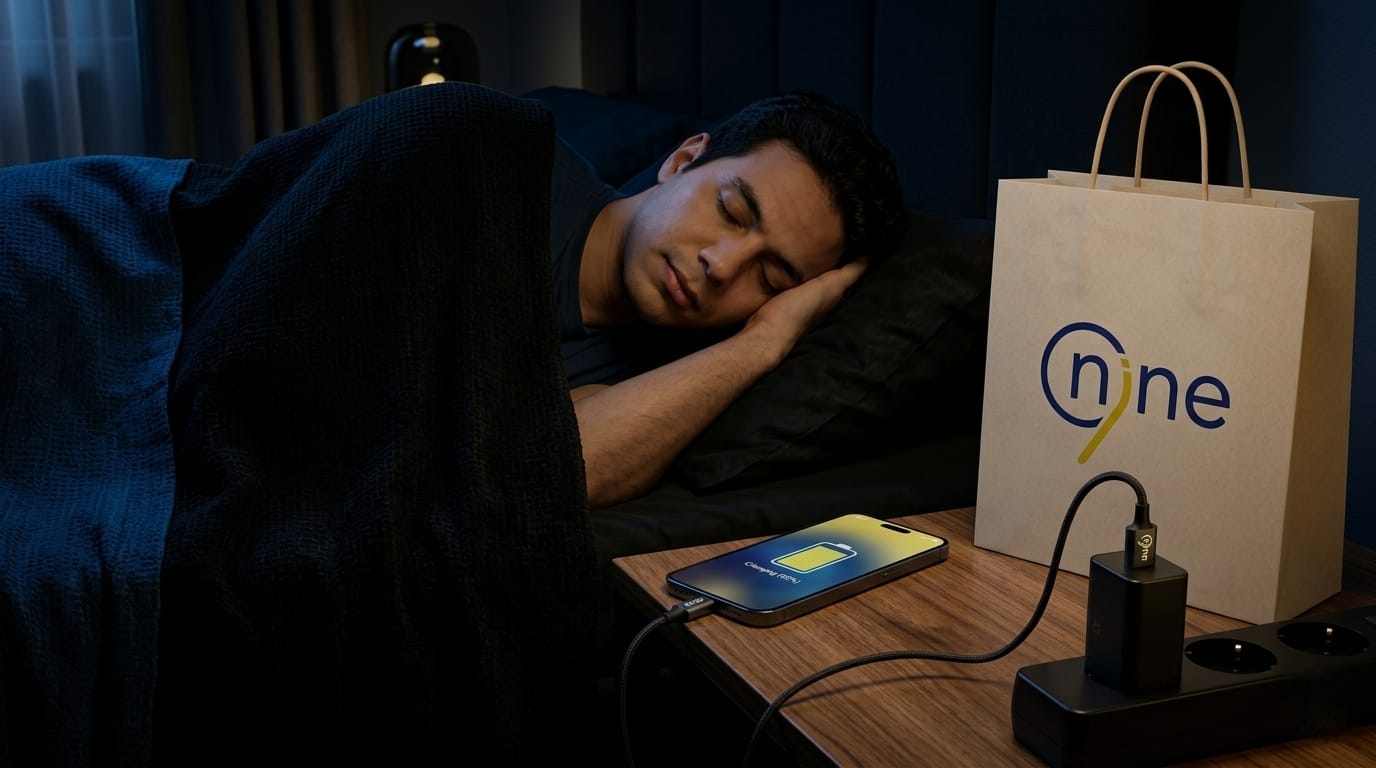
Is Charging Your Phone Overnight Harmful?
Charging your phone for long hours while sleeping may seem convenient, but it raises important questions about its long-term effect on battery health. Here is what you should know:
Keeping your phone connected to power after reaching 100% makes the battery stay in a constant cycle of small charging and discharging, which gradually puts stress on the battery cells.
Continuous power connection for many hours can slightly increase the phone’s temperature, and repeated exposure to heat can affect battery efficiency over time. Depending on overnight charging every day, the battery’s ability to hold power for long periods is weakened with time.
Leaving the phone connected to the charger all night can add unnecessary charging cycles, which may shorten the overall battery lifespan faster than expected.
Does Using Your Phone While Charging Damage the Battery?
Using your phone while it is connected to the charger may feel normal, but in reality, it can directly affect battery performance and long-term stability. Here are the main reasons:
When you use your phone while charging, the battery is effectively charging and discharging, which places additional stress on it and can reduce overall efficiency over time. Combining active usage with charging also generates more heat than normal, and repeated heat exposure is one of the main factors that accelerates battery degradation.
At the same time, ongoing power consumption during use slows down the charging process, increasing the total time needed to reach a full charge. Over time, repeating this habit can place continuous strain on the internal battery cells, gradually reducing both battery lifespan and overall performance.
How System Updates Affect Phone Battery Performance
You may notice changes in battery performance after updating your phone’s operating system, such as faster battery drain or different charging behavior. This does not always mean there is a problem with the phone itself.
In many cases, system updates reset power management settings and optimize background applications, which can temporarily put extra pressure on the battery until the system becomes fully stable again.
The problem usually appears when users install updates without adjusting settings or checking how the update affects daily usage habits. This can cause the phone to consume more energy than usual. Understanding this behavior helps you manage updates wisely instead of assuming they directly damage your battery.
Best Ways to Keep Your Phone Battery Healthy for a Longer Time
Taking care of your phone battery is no longer optional; it is part of daily habits that directly affect your device’s performance and overall lifespan, especially with frequent charging and heavy usage. Here are the most important tips:
Using trusted accessories ensures stable power delivery, helping protect the battery from fluctuations that can gradually reduce performance over time. Keeping your phone away from excessive heat—whether during charging or everyday use—helps maintain battery efficiency and minimizes long-term damage.
Maintaining a moderate charging routine, rather than consistently charging from 0% to 100%, can reduce stress on the battery and help extend its lifespan. Closing unnecessary background applications also helps prevent continuous power drain, allowing the battery to operate more efficiently.
The Nine Doolink 100W Type-C to Type-C Cable (2 Meter) offers fast and stable charging with protection against power fluctuations, helping protect both your device and battery for long-term daily use.
FAQs about Common mistakes that can damage your phone battery without you realizing it
Does using Power Saving Mode all the time affect battery performance?
Using Power Saving Mode continuously does not directly damage the battery, but it can limit device performance and reduce the speed of certain functions. It is generally better to use it when battery levels are low or when you need to extend usage temporarily, in order to maintain a balanced experience between performance and power consumption.
Does removing the phone case while charging reduce heat?
In many cases, yes. Some phone cases trap heat during charging, causing the phone temperature to rise gradually. Removing the case or using a case with better ventilation can help improve heat dissipation.
Do background apps drain battery even when I am not using them?
Not always, but some apps continue running in the background and consume power, especially those that rely on location services. Closing unnecessary apps can help reduce battery consumption and improve overall battery life.

